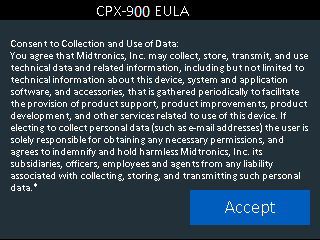
When the CPX is turned on for the first time the splash screen will appear and then the CPX will automatically transition into the initial setup process

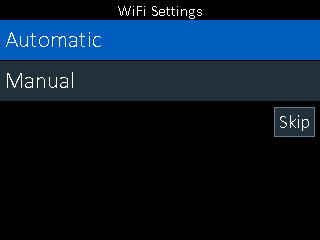
- Select Automatic to connect to the local Wi-Fi Network. Wi-Fi must be setup in order to receive updates, send test records and email customers.
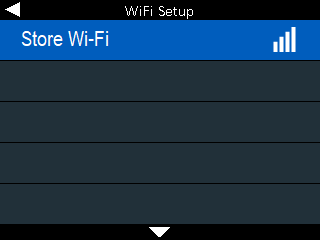
2. Select the local store/shop network
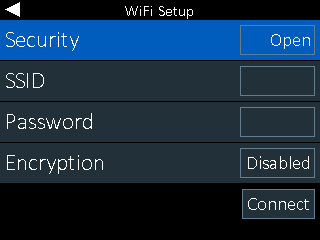
3. Enter the Network’s Password
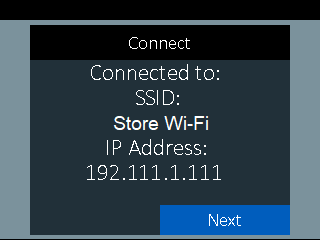
4. The CPX will show a successful connection to the network selected. If the password is not correct, the CPX will prompt to reenter.
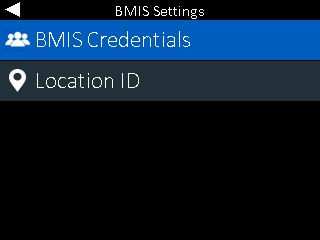
5. Select BMIS Credentials
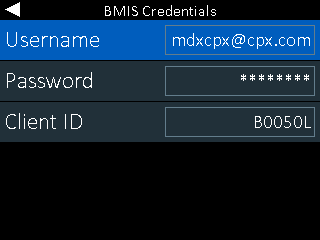
6. BMIS Credentials will be pre-populated. Do NOT change. Scroll down to Continue/Next
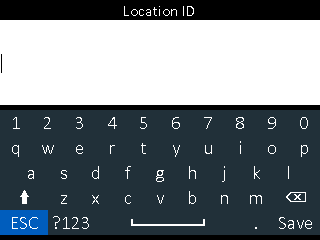
7. Enter the LOCATION ID which is normally the store or shop number
8. Confirm locations information is correct. Press the back arrow (left arrow pad) to return to the previous screen if incorrect
9. Accept EULA for data collection