 Use In Vehicle Test to perform Battery Tests on in-vehicle batteries using test parameters determined by entering the Year/Make/Model of the vehicle or through manual entry of battery parameters. A System Test for Starter and Charging testing is also available.
___________________________________________________________________________________
Step 0: Power on the CPX and connect the CPX clamps to battery (NOT SHOWN ON CPX SCREENFLOW)
It is important to connect the clamps as soon as possible as the CPX will automatically start the battery test in the background as the vehicle and battery information is being entered.

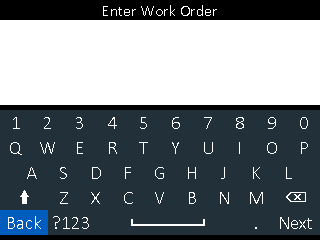 Step 1:Work Order Entry
Enter Work Order (if enabled)
To disable Work Order Entry, from the Main Menu go to Settings – Tool – Work Order, then uncheck Work Order box

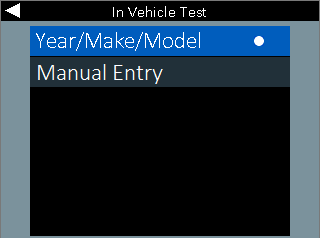 Step 2: YMM or Manual Entry Selection
Select the method to obtain battery details. Year/Make/Model automatically populates the battery details based on the vehicle information entered. Manual Entry goes direct to the Battery Test Setup screen and the user must enter the battery details manually.

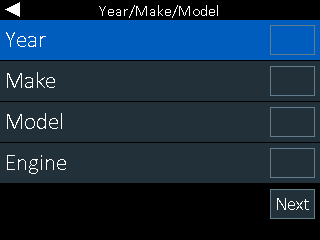 Step 3: Year/Make/Model Entry
Enter the Year, Make and Model of the vehicle being tested. Then select the engine type.

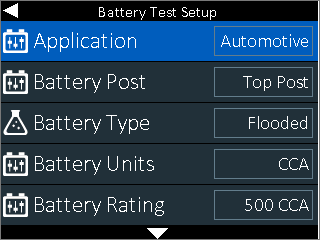 Step 4: Battery Test Setup
If YMM was selected, confirm battery information. NOTE: It is important to confirm the battery details since battery replacement may have occurred in the past that does not match the OE specifications.
If Manual Entry was selected, enter battery details based on the battery which is in the vehicle being tested.

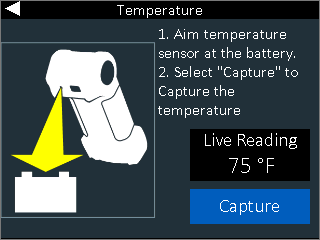 Step 5: Temperature Capture
Point the CPX’s temperature sensor (located on the back of the unit) at the battery. Tap Capture.

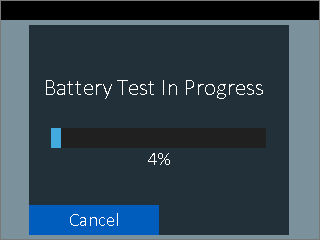 Step 6: Test Progress
The overall test time using Conductance Profiling is approximately one minute. Due to this test time, it is important to connect the tester clamps as a first step and BEFORE entering the vehicle or battery information so that test time remaining at this point is minimized.

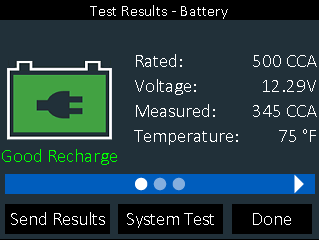
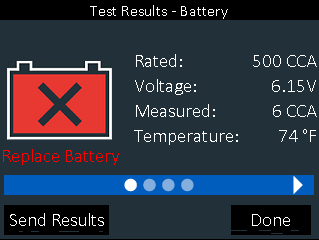
Once the battery test is complete the overall result will be shown along with details on the battery.
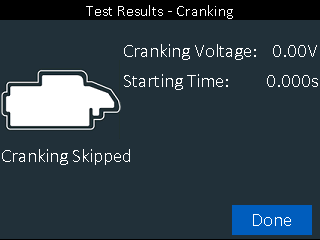
Using the touch pad, highlight the three dots and then tap the right touch pad to review the cranking and reserve capacity sub-decisions.
Tap Send Results to either print the test results or send the results via email.
Tap System Test to complete the Starter and Electrical System Testing. See System Test section below
Tap Done to finish the test and return to the main menu.
___________________________________________________________________________________
System Test – Starter and Alternator Tests
Follow the on-screen steps to complete the full system test for the vehicle
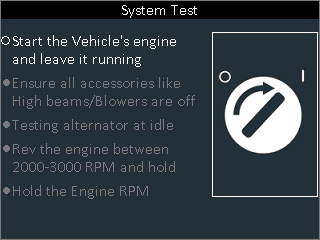
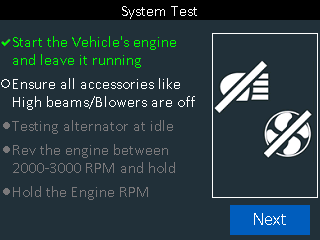
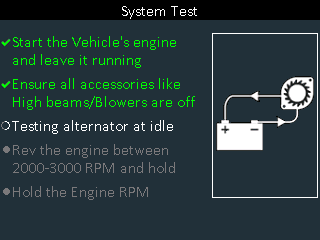
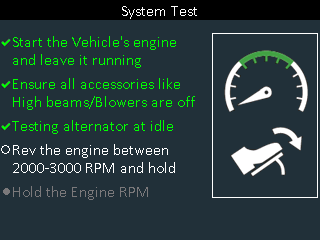
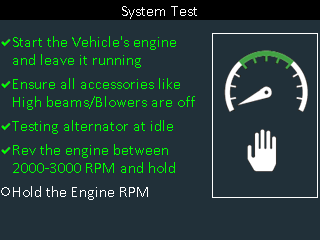


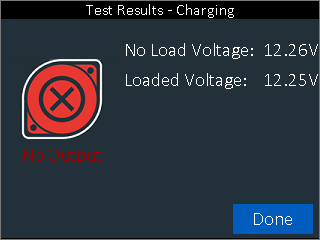
The initial result page is a summary of all three tests completed during the In Vehicle Test including the battery test, starter test and alternator test.
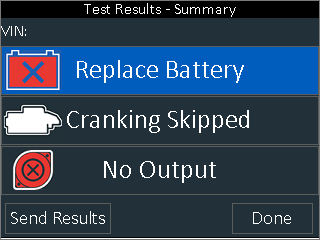
Tap each line in the Summary to review individual test results